Migrating from GPT-5.6 to Kimi K3 API: The Migration Guide I Wish I Had
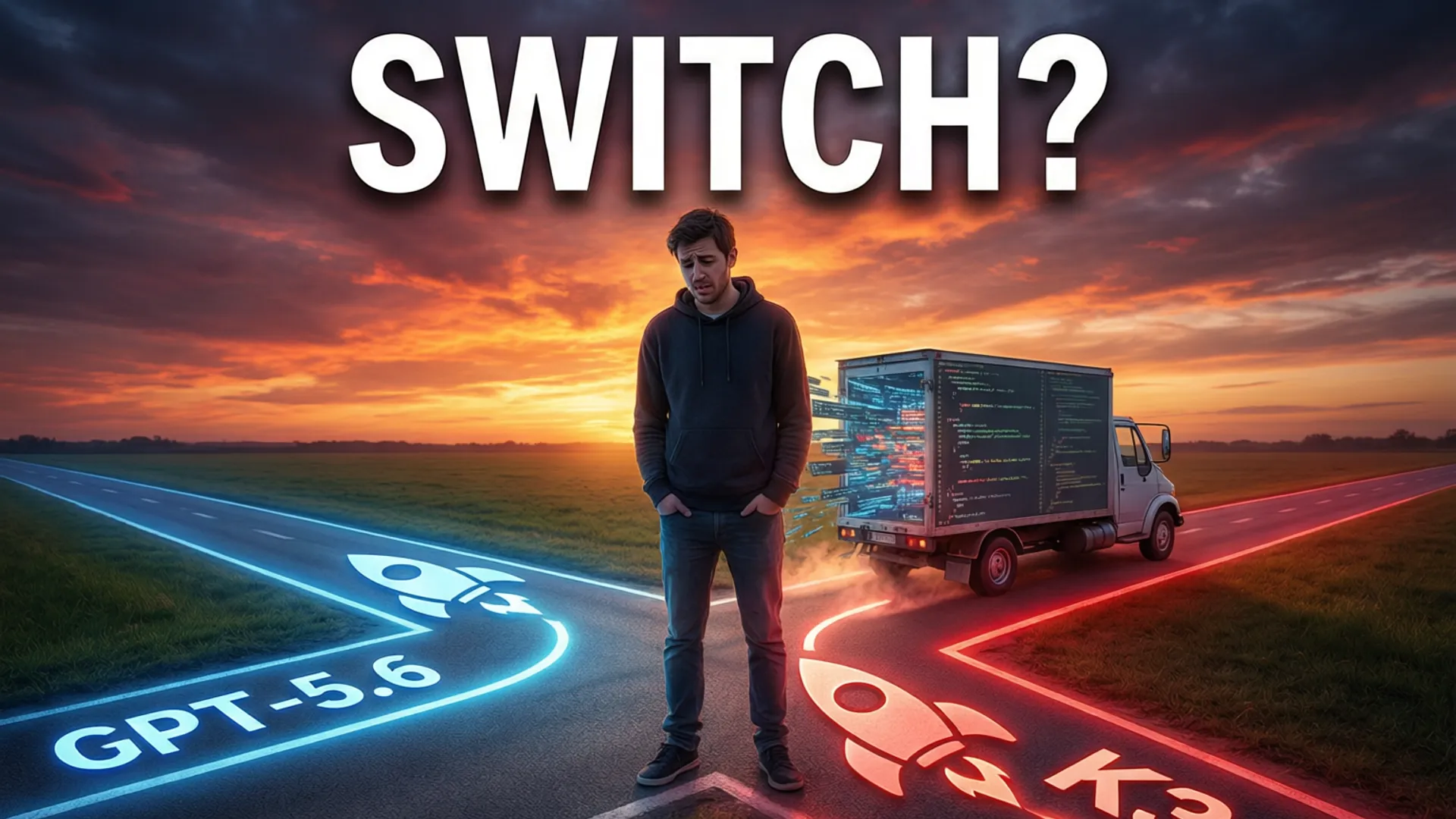
Why Teams Are Migrating
Every pricing announcement from Moonshot gets coverage, but the migration story underneath is quieter. I've now talked to a dozen teams who moved production workloads from GPT-5.6 to Kimi K3 in the last month, and I did the same thing myself on a customer-facing assistant with real traffic. The reasons are consistent: price, the open-weight escape hatch, and surprisingly good long-context behavior. But the path is not a one-line change, and the teams who treat it that way are the ones with surprise bills and broken tools.
This guide is the migration I wish I'd had — everything I learned the expensive way, in the order you'll hit it.

The Real Cost Comparison
List price comparison first: Kimi K3 at roughly $3 input / $12 output per million tokens vs GPT-5.6 at $10 / $30. That's a 65-70% sticker discount. My actual production numbers after a month: 55% effective savings, because K3 burned more tokens on verbose chain-of-thought in complex tasks. Still a massive win — just be honest about it in your business case.
Two line items people forget: caching (K3's prompt caching is cheaper and automatic in most SDK paths — verify your client enables it) and batch pricing (both offer ~50% off async batches; if your workload is batch-shaped, the gap shrinks further). Model the total, not the sticker.
Tokenizer Gotchas Nobody Warns You About
Your token counter says 12,000 tokens; K3's invoice says 15,400. Every provider has a different tokenizer, and the difference is not uniform across content. Chinese text? K3's tokenizer is dramatically more efficient than GPT-5.6's (roughly half the tokens for the same Chinese content — Moonshot optimized for their home market). Code, especially dense TypeScript with generics? K3 is less efficient, by up to 30%.
This matters twice: for cost forecasting and for context-window math. Your 1M-token budget on GPT-5.6 is not 1M tokens on K3. Re-measure with the actual tokenizer (Moonshot publishes one) before you promise anyone a specific window size.

Tool Calling: The Compatibility Trap
This is where drop-in migration dies. K3 supports OpenAI-style tool calling, but I found three real differences: argument schemas (K3 is stricter about JSON Schema — anything loosely specified that GPT tolerated will fail validation), parallel tool calls (K3's default behavior differs; test with two tools in one turn), and tool result formatting (K3 expects explicit typing on results in some client versions).
My fix: a thin adapter layer that normalizes tool schemas before sending, plus validation middleware on the returned arguments. It's 200 lines of code that saved me from a weekend of debugging. The agentic workflow guide has the full adapter pattern.
Rate Limits and Retry Logic
K3's rate limits are structured differently — per-minute token buckets that fill unevenly during peak hours (Asia-evening spikes are real). My first week I hit 429s I'd never seen on GPT-5.6. The fix was boring but effective: exponential backoff with jitter (base 1s, cap 30s), and a circuit breaker that degrades to the fallback model after 3 consecutive failures.
Also worth knowing: the streaming behavior differs. K3's stream is chunkier — longer gaps between chunks on reasoning-heavy calls. If your UX times out idle streams, tune your timeout from 10s to 30s or you'll abort perfectly good responses.
The Migration Checklist
- Week 1 — Measure: Tokenize your real traffic with both tokenizers. Model the true cost delta, not list prices.
- Week 1 — Prompts: Run your top 50 prompts through both models. Categorize output differences: acceptable, needs tweak, or blocker.
- Week 2 — Adapter: Build the tool-call normalization layer. Test all tools with parallel calls.
- Week 2 — Resilience: Implement backoff + circuit breaker. Test the failure path, not just the happy path.
- Week 3 — Shadow: Run 10% of production traffic through K3 in shadow mode. Compare outcomes, not just costs.
- Week 4 — Ramp: 25% → 50% → 100%, with a one-click rollback that actually works (test it!).
The verdict after a month in production: the migration was absolutely worth it — my bill dropped by more than half and quality held. But it was a project, not a config change. Go in with eyes open, follow the checklist, and the API pricing breakdown and cost calculator will save you the spreadsheet work.
Frequently Asked Questions
Is Kimi K3 API compatible with OpenAI's API format?
Largely yes — Kimi K3 offers an OpenAI-compatible endpoint, so most clients work with a base URL and key swap. But subtle differences in tool-call schema, system prompt handling, and tokenizer behavior mean you should regression-test your prompts rather than trusting drop-in compatibility.
How much can I save migrating from GPT-5.6 to Kimi K3?
At list prices, K3 is roughly 60-70% cheaper per token than GPT-5.6 (about $3/$12 per million vs $10/$30). In my production migration, effective savings landed around 55% because K3 uses more tokens on verbose reasoning tasks. Still substantial.
What's the hardest part of migrating to Kimi K3?
Not the API swap — it's the behavioral differences. K3 answers differently to the same prompts: more verbose in some modes, stricter about instruction hierarchy, and its tool-call arguments need schema validation. Budget a week of prompt regression testing.
Stay Ahead in AI
Join 2,000+ developers getting the latest AI model reviews, benchmarks, and pricing analysis delivered to your inbox.
No spam. Unsubscribe anytime.